01
People-event triggers
Run workflows from trusted birthdays and work anniversaries in employee profiles.
- Employee timezone-aware scheduling
- Reusable variables such as name and company
- Active and paused process states
Turn birthdays and work anniversaries into timely, branded messages for Google Chat, Slack or Google Groups—with an approval queue when a human should review the final copy.
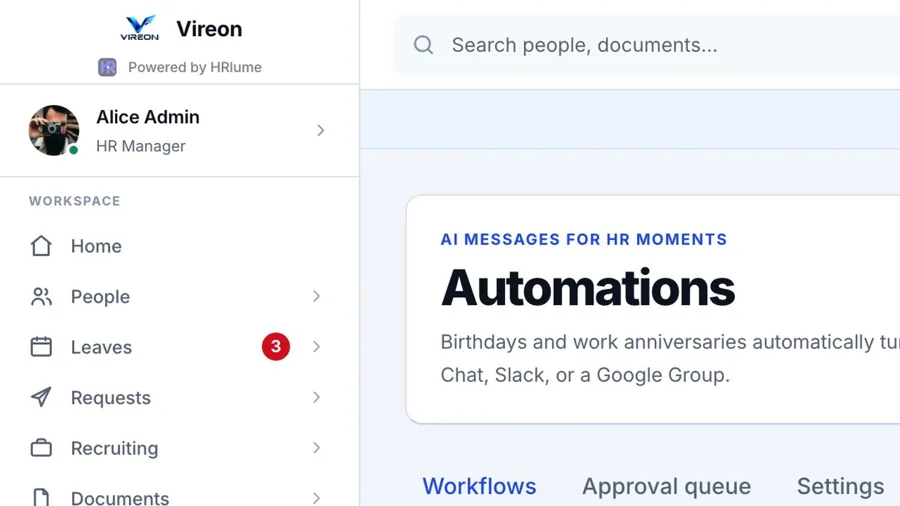
Each process shows the trigger, content source, live message preview and destination before it runs.
HR can test delivery, edit the design and decide whether a workflow should run automatically or wait in the review queue.
Use the employee data already in HRlume to create relevant communication without maintaining a second calendar or spreadsheet.
Run workflows from trusted birthdays and work anniversaries in employee profiles.
Use fixed text or connect a configured AI provider to prepare a message in your company tone.
Place generated messages in a human approval queue before anything is published.
Adjust wording, colour, layout, emoji and reusable templates with an immediate preview.
Deliver through Google Chat webhooks, Slack webhooks or a configured Google Group.
Keep the message human while HRlume handles timing, preparation and delivery.
Create your workspaceEvery step stays visible and testable to the HR team.
Select a birthday or work anniversary and set the run time.
Use fixed copy or AI, then apply the selected branded design.
Approve queued messages before delivery or allow an approved workflow to run automatically.
Send to the configured Google Chat, Slack or Google Group destination and test the connection in advance.