Bundled interface
DEVICEThe app's own screens load from the device, not over the network, on every open.
HRlume opens fast, protects access with biometrics, supports QR sign-in and installs future updates from inside the app. Download the signed APK directly — no Google Play required.
Direct APK · Android 8+ · Updates inside the app
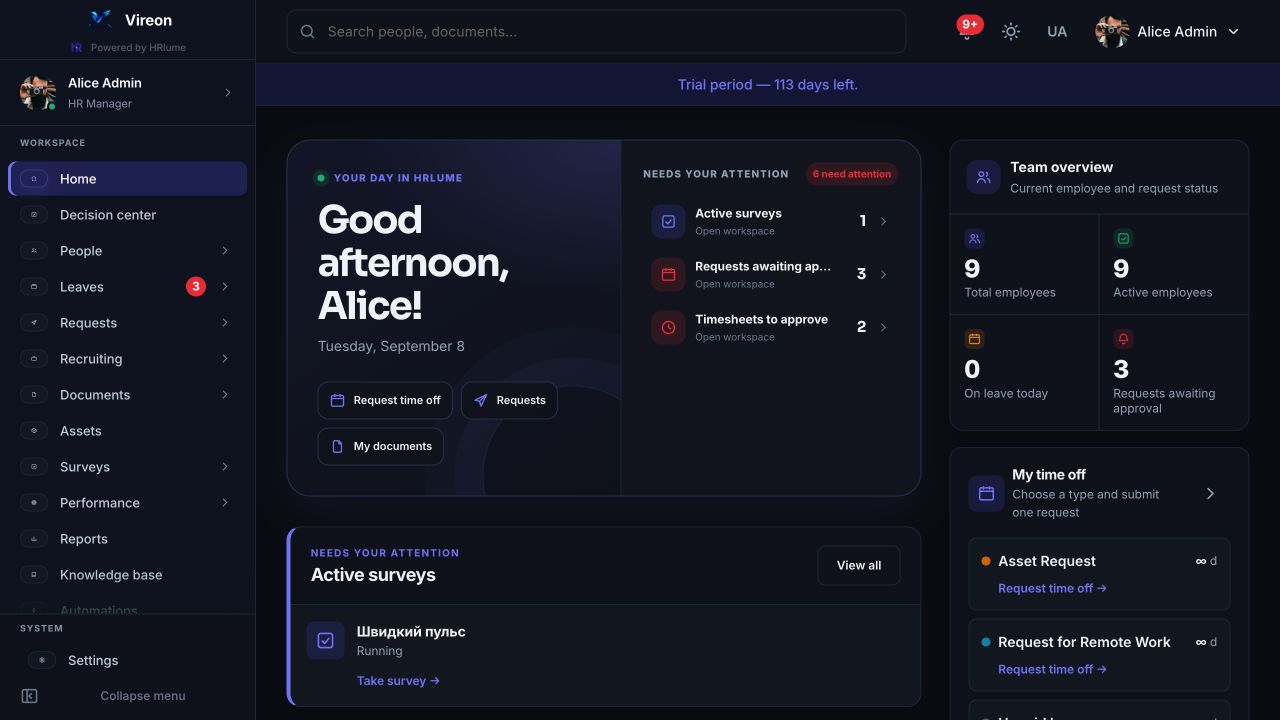
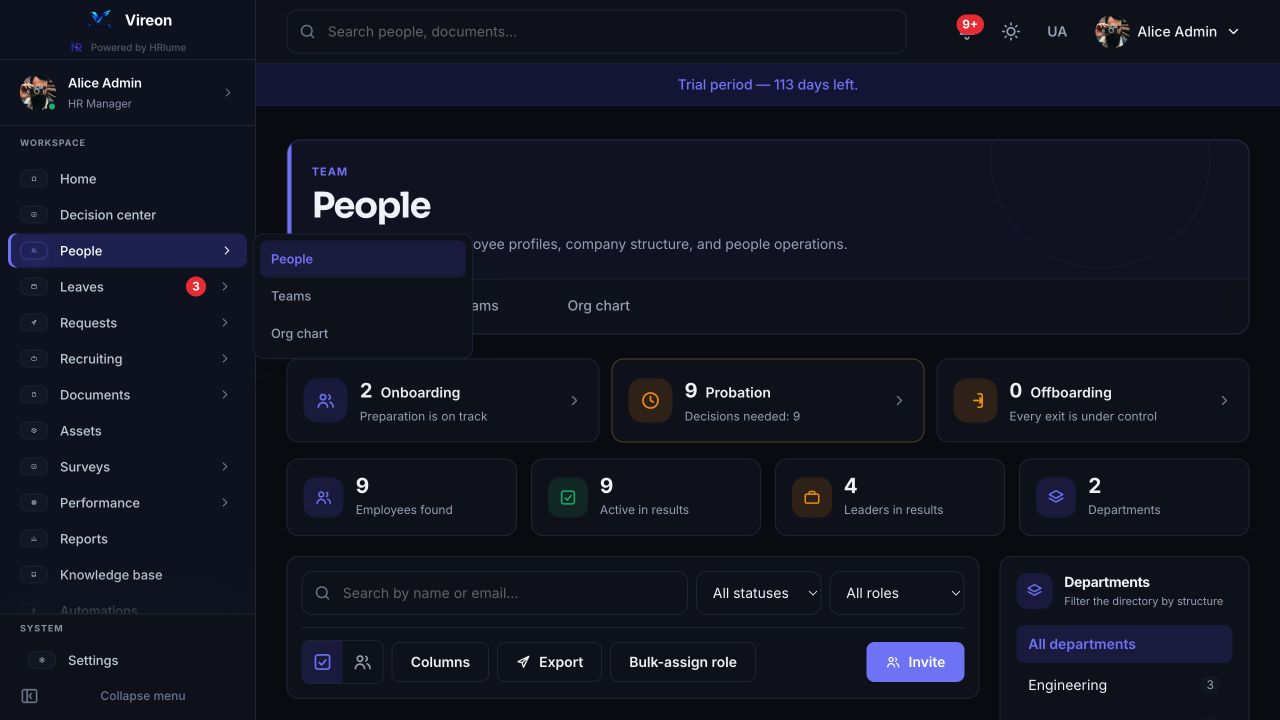
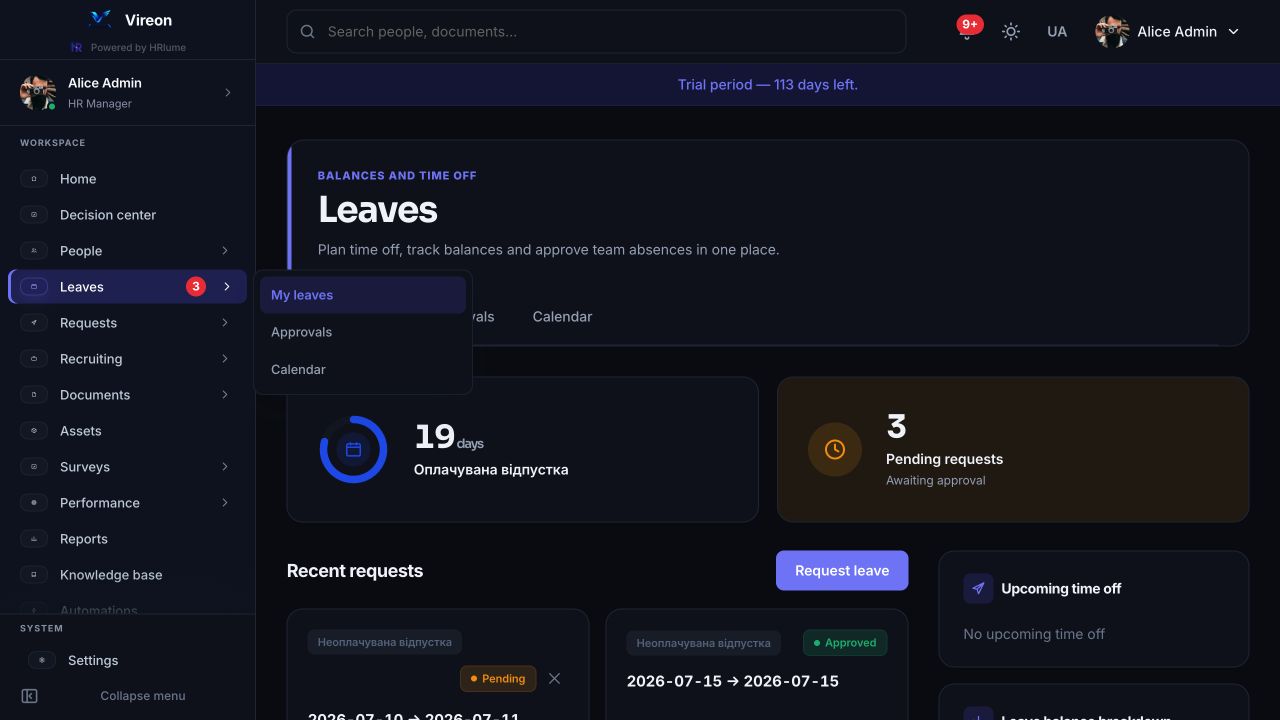
Earlier builds simply opened the live site in a browser tab every time — a full page load, every screen, every visit. This app bundles the interface itself into the install, so it opens instantly and works with far less data — the network is only used for your actual HR data, not for re-downloading the app every time you open it.
Native Android behaviour where it saves time; the complete HRlume workspace everywhere else.
Log a browser in instantly by scanning a code with the app — no password to type, no session to hand over.
Approve or reject a leave request right from the notification shade, without opening the app at all.
An optional biometric or PIN lock on the app itself, independent of your phone's own screen lock.
Share a photo or file from any app straight into a document upload, or capture one with the camera on the spot.
Swipe gestures, haptic feedback, instant navigation — built to feel like a phone app, not a browser tab.
Choose Release or Beta and download the signed build directly.
Android will prompt you the first time — allow it for your browser or file manager.
Use your existing HRlume account. Future versions install themselves from inside the app.
Signed builds published by the HRlume team. Switch channels above to inspect release or beta history.
Fetching versions…
Get in touch and we'll help you roll it out.